- calendar_today August 26, 2025
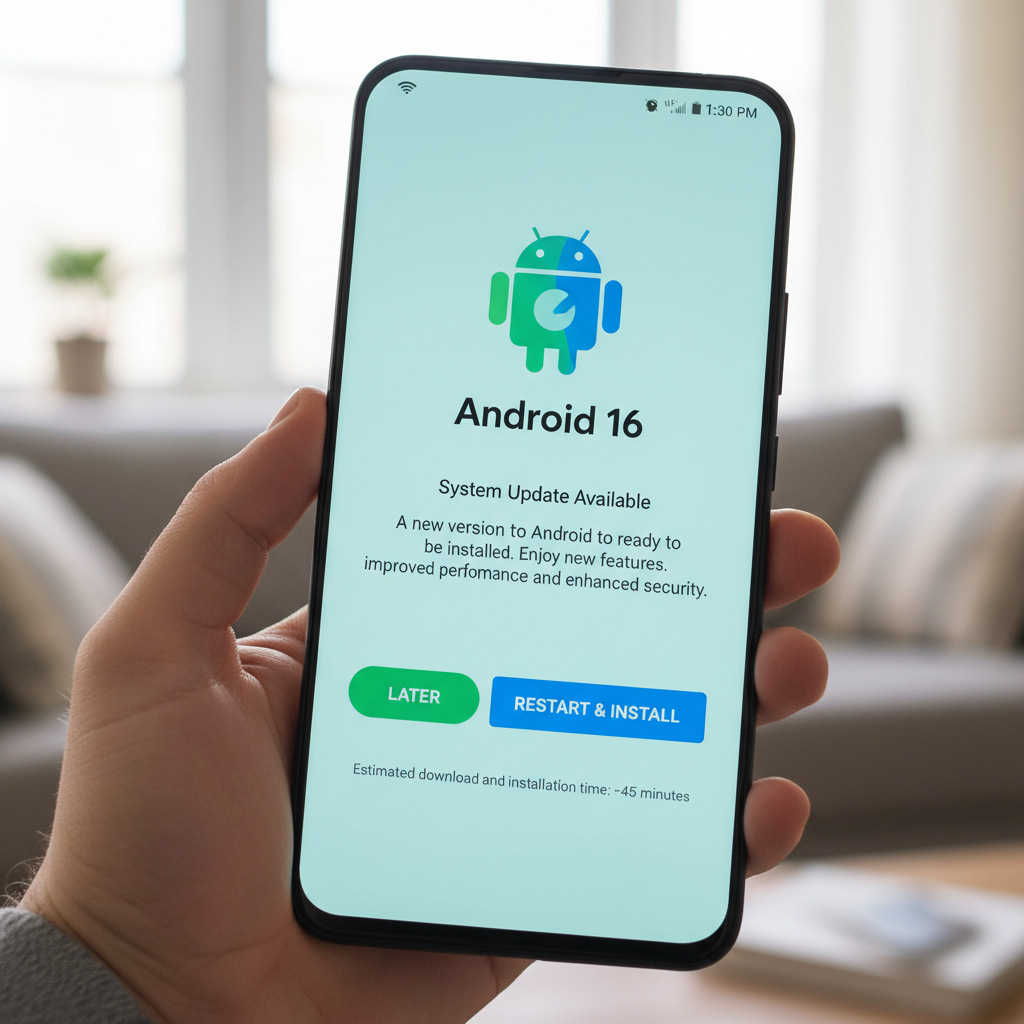
Google has started the official distribution of Android 16 after months of speculation and a long beta period. Pixel phones get the new operating system update starting today. The update will reach other Android devices in future weeks but Pixel users get priority access as anticipated.
Pixel users should expect to see their over-the-air (OTA) update appear soon. Google’s developer site already provides system images and manual update files for those who don’t want to wait. Still, there’s not much urgency to rush. Android 16 does not introduce many new features during its initial launch unlike past major updates.
The system still contains valuable enhancements despite its simplicity.
Cleaner Notifications, Live Updates, and Tighter Security
The first thing you’ll notice? A cleaner notification shade. Google launched notification bundling in Android 7.0 Nougat. Android 16 builds upon previous notification features with mandatory new requirements. This time, it’s mandatory. The new app update system prevents multiple alerts from crowding your screen. The system now groups all notifications from any particular app into a single expandable card. It’s small, but helpful.
The system now includes a feature for live update notifications. Android 16 will begin showing live status updates from popular rideshare and delivery apps directly in the status bar. An icon displays progress updates for both drivers and delivery services. Opening this feature displays a notification pop-up that includes a progress bar. Google announced its ongoing collaboration with Samsung and OnePlus to enhance the integration of this feature with Samsung’s Now Bar system and OnePlus’s Live Alerts system.
Security has also been tightened. The latest release of Android 16 delivers Advanced Protection features to all devices that utilize the platform. This builds on Google’s existing account-level security. After activating this feature on your phone it will block outdated 2G networks as well as prevent access to unsecured websites and disable USB connections which might put your system at risk. It’s not flashy, but it’s essential.
A Nod to Foldables and Tablets
Google is planning Android’s expansion beyond smartphone devices toward future technologies. Automatic layout scaling for larger displays is a hidden update. Starting from Android 16 (API level 36) apps will naturally resize themselves to fit tablets and foldables. Developers can now easily adapt their applications to function well on large screens without having to rebuild them from the ground up.
The functionality of cameras is receiving a slight enhancement. Applications today benefit from advanced capabilities including night mode detection as well as motion photos and hybrid auto-exposure. Android 16 enables HDR screenshots for app users eager to display screen captures but requires app compatibility for this feature to function.
Smaller Details with Everyday Impact
Pixel Drop delivers exclusive features to Pixel phones. Among them: The “Pixel VIPs” feature represents an improved version of previous favorite contacts. After you configure them VIPs will show up as a new widget on your home screen. The widget displays the latest messages from WhatsApp and Messages as well as birthday details and shared current locations. VIP contacts have permission to override Do Not Disturb settings which helps maintain connections with your essential contacts.
Pixel-exclusive features now encompass live search capabilities within the magnifier app and enhanced compatibility with hearing aids. The Expressive Captions feature from Google will now be available to users across the UK, Australia, and Canada.
Android 16 offers a playful feature through the integration of AI-generated emojis. The Pixel Studio app enables users to create custom emojis in Emoji Kitchen. Though minor in scope, this update demonstrates Google’s commitment to AI integration across all user interactions.
What’s Not Here (Yet)
The development team continues to work on several key features of Android 16 that users will need to wait for.
The launch of Material 3’s new “Expressive” design language has been postponed until later this year. The new design language offers a more customizable and vibrant interface yet remains accessible only through developer documentation and previews at this time. The eagerly awaited desktop mode designed for external displays will become available in the upcoming months.
The new desktop mode will permit tablets and several phones to display a floating window interface which resembles Samsung’s DeX once it becomes available. The new feature activates only when displays are connected and Google confirmed that it will not introduce on-device windowing for foldable devices such as the Pixel 9 Pro Fold. Instead, that capability remains limited to tablets.
Support will also vary by manufacturer. The Pixel devices from Google will incorporate desktop mode support while other Android 16 phones might only offer standard screen mirroring based on OEM implementation.
A New Release Strategy
Google has introduced a significant alteration to its approach for delivering updates. Google traditionally launched Android updates together with new Pixel phones every fall. That’s no longer the case. Major Android updates will now launch in late spring while minor feature improvements and API changes will be pushed out at year-end.
The introduction of Android 16 represents the start of this strategic change. The limited features at launch indicate Google’s updated release schedule and prepare the foundation for future updates leading up to 2025.
The update may initially seem unimpressive but it establishes a foundation for a more flexible and responsive Android environment. Google seems to be saying: less flash now, more substance later.